.png)
Customer Segment Based Bundles
What are Customer Segments?
Customer segments are natively available in Shopify. These are rule-based, dynamic customer groups. You can define customer segments to create specific cohorts of customers, such as:
- Customers with 10+ orders
- High spenders
- Customers from a specific location
Dynamic nature:
- If a customer meets the criteria → they are automatically added to the segment
- If the criteria changes → they are automatically removed
Simple:
Customer segments = rule-based filtered customer groups
Our App Feature: Customer Segment Based Bundles
Normally, bundles created through other apps available on the Shopify App Store have a fixed composition, meaning the bundle contents remain the same for every customer who orders it.
However, we have introduced customer-based bundle segments, where the bundle composition can be defined based on whether a particular customer belongs to a specific customer segment.
Our app allows you to change bundle composition dynamically based on customer segments.
This means:
- Each bundle has a primary (default) composition
- You can define alternate compositions for specific customer segments
How does it work?
- Inventory syncing is always based on the primary composition
- During order processing:
- The app checks which segment the customer belongs to
- If the customer matches a defined segment:
- The app applies the segment-specific composition
- If not:
- The default (primary) composition is used
Example (Certain use cases)
Scenario: Subscription Bundles
- You are selling monthly subscription bundles
- You create a “Birthday Month” customer segment
What you can do:
- Define a special bundle composition for this segment
- (e.g., add extra birthday gifts )
Result:
- Regular customers → default bundle
- Birthday month customers → same bundle, but special composition
How to Enable the Feature?
- Go to the app
- Open Settings
- Navigate to Bundles
- Turn ON “Enable Customer Segment Based Bundles”
- (Available under the Customer Segment-Based Bundles card)
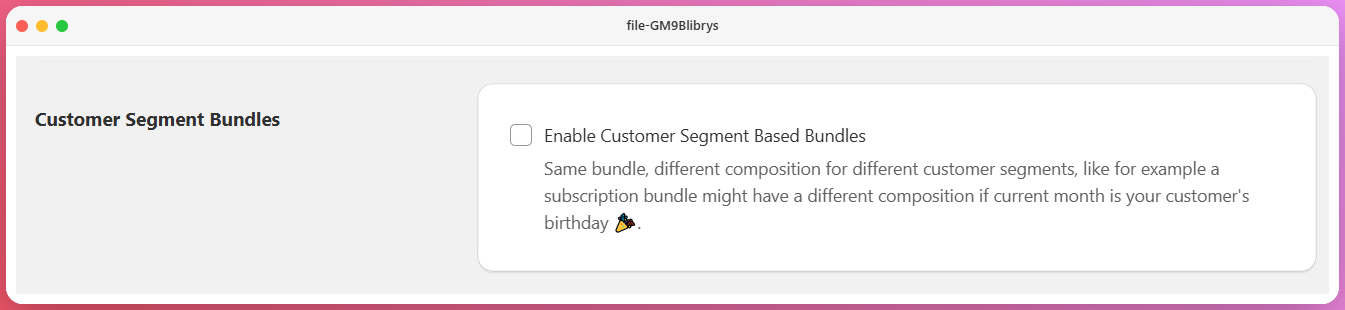
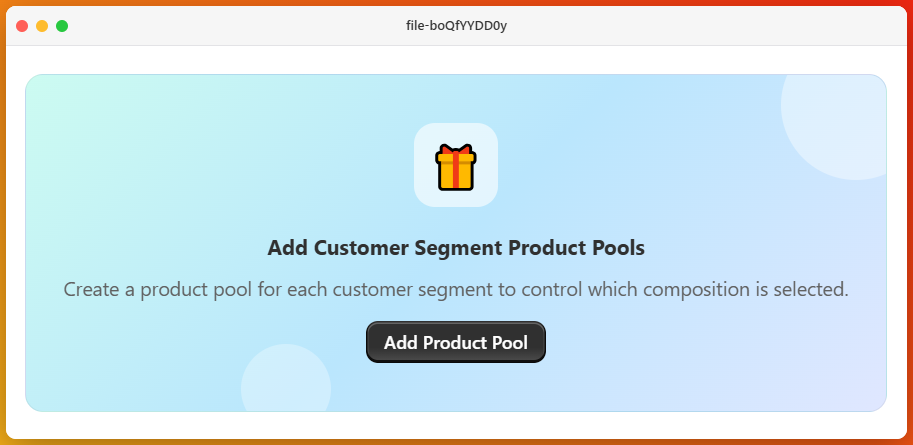
Once you activate this setting in the app, you will see an option to add a product pool for specific customer segments during bundle creation.
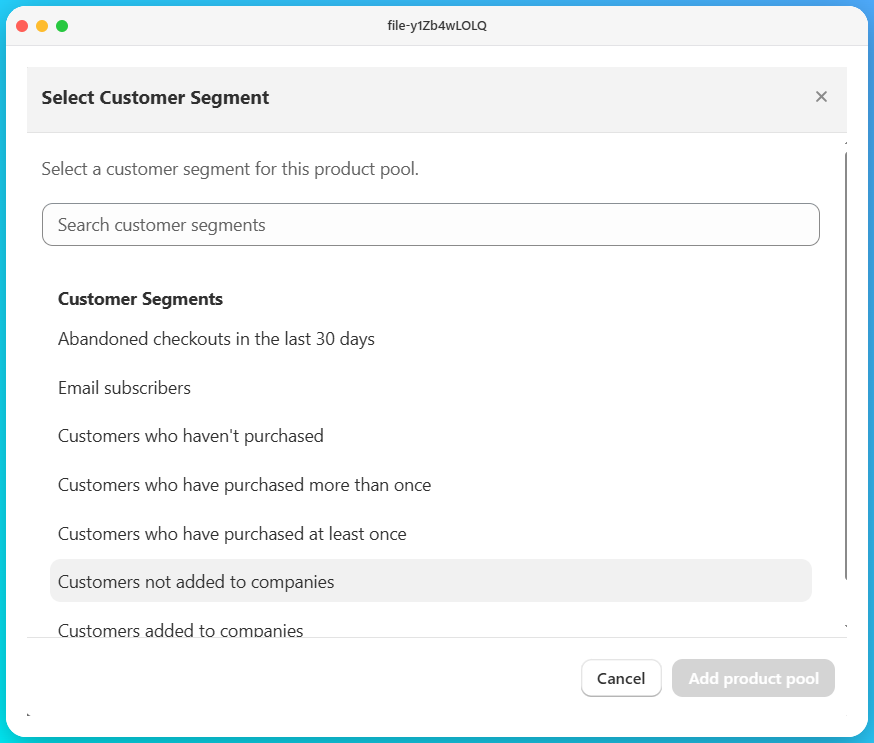
When you click on “Add Product Pool,” you will see a modal that displays the customer segments.