.png)
How to update your plan
To update your plan, please follow the steps below:
-
Open the app and navigate to the Settings tab.
-
In the Billing Plan Details card, click on the Update Plan button.
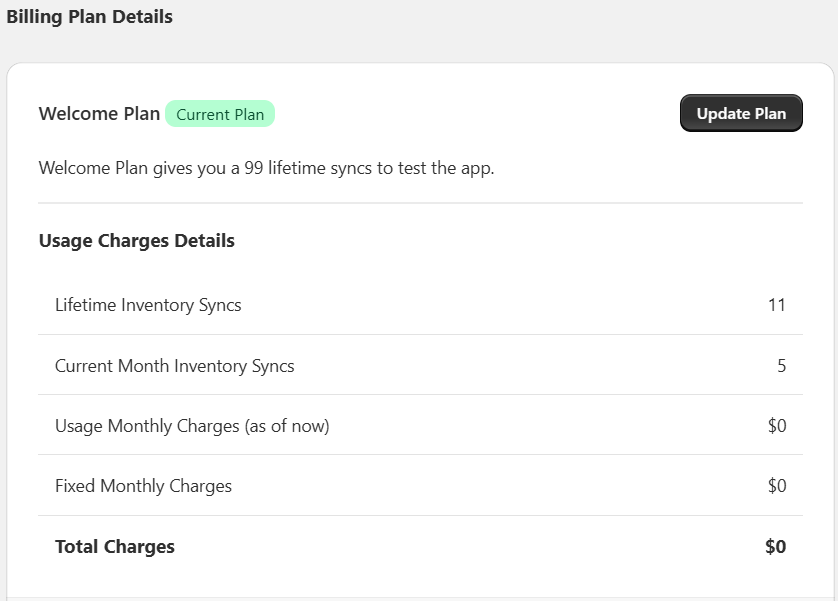
-
This will open the Plan Details page.
-
Choose the plan that best suits your needs.
-
Click on the Purchase Plan button to activate your selected plan.
-
Once you return to the Shopify purchase screen, if the plan has been successfully activated, you will see a success animation clearly indicating that this plan is now active on your store.
