.png)
Auto Sync
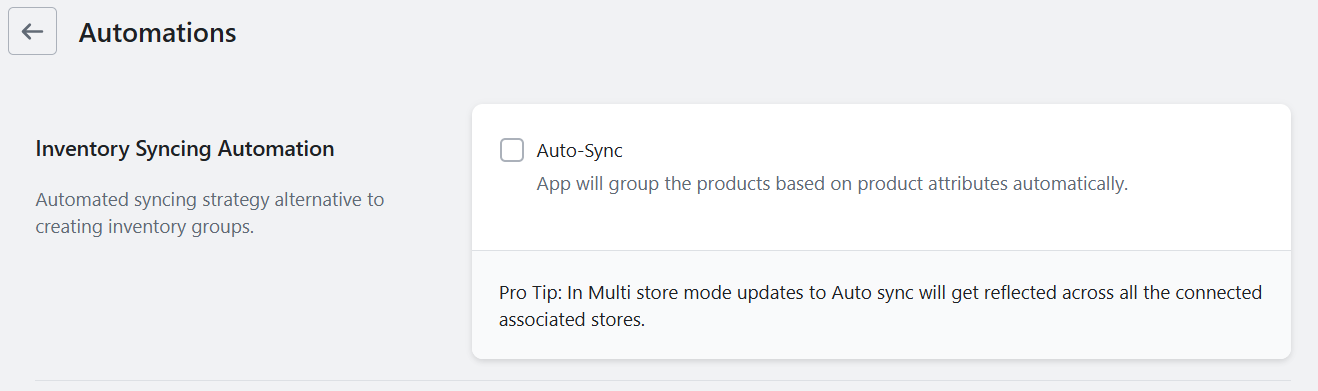
How to Use the Auto-Sync Strategy
The Auto-Sync Strategy is a fully automated way to keep your product inventory in sync across duplicates. With this method, the app automatically detects and syncs inventory for products that share the same SKU or barcode.
👉 From your side, the only requirement is to ensure that all duplicate products have the same SKU or barcode value. Once that’s set, the app will take care of the rest.
How to Activate Auto-Sync
- Open the app and go to the Settings tab
- Select Automation
- Turn on Auto-Sync
-
Click Save
Precondition before activating auto sync
There is a pre-condition before activating Auto Sync — we expect that all duplicate products have accurate physical inventory levels.
That’s it! 🎉 Your inventory will now stay synchronized automatically.
📽️ For a quick walkthrough, here’s a short 2-minute tutorial on Auto-Sync to help you get started.